When you can use your modem
- Upgrading your nbn connection to Fibre to the Node (FTTN) or Fibre to the Building (FTTB), and you already have a VDSL modem/router.
- Upgrading your internet connection from ADSL to FTTN or FTTB and already have a VDSL modem/router.
- Changing nbn plans or internet providers at the same address
- Changing addresses and you have an unlocked modem/router that’s compatible with your nbn or OptiComm network.
When you need a new one
- Upgrading to Hybrid Fibre Coaxial (HFC), Fibre to the Premises (FTTP), Fibre to the Curb (FTTC), Fixed Wireless – in these instances, you will need a new compatible modem
- Transitioning from FTTN to FTTP
- Moving from 4G or 5G wireless internet to nbn or OptiComm
- Relocating to a new address with a different nbn connection type that’s not compatible with your modem
BYO modem requirements?
While many new modems, routers and home gateways are compatible with nbn connection types, some older BYO modems may no longer work with nbn requirements. Some of the key features that will influence whether nbn can provide support for your service are:
- VDSL2: delivers FTTN and FTTB services. (Older ADSL and ISDN modems are not compatible with the FTTN network)
- Vectoring: optimises the performance of all the FTTN or FTTB services
- Seamless Rate Adaption (SRA) – fine tunes the performance of FTTN and FTTB services throughout the day to avoid dropouts and optimises service speed
- Save Our Showtime (SOS): responds to spontaneous changes in copper network conditions which would typically result in a dropout
- Robust Overhead Channel (ROC): enables nbn to maintain connectivity with your modem in the event of spontaneous changes in copper network conditions
For the full list, please refer to Network Interface Specification – UNI-DSL.
nbn compatible modems
If you have an existing home phone service and an existing nbn ready modem you want to bring over to us, it may be locked to the previous provider and may not work. Our Origin Internet Team can help you unlock your modem, but we can’t guarantee compatibility, as this will depend on the make, model and capability of the modem. The table below is general only.
| Previous nbn provider | Compatible with Origin nbn | Home phone/VoIP |
| Telstra | Yes | Locked |
| Optus | Yes | Locked |
| iiNet | Yes | Locked |
| Belong | Depends on the modem | Locked |
| Exetel | Yes | Depends on the modem* |
| DoDo | Yes | Depends on the modem* |
* Some phone service providers allow you to keep your phone service and have a different internet service provider. Check with your current phone service provider whether this is possible. You can also transfer (port) your number if you want to take up a phone plan with us.
Previous Origin modems
Check whether your previous Origin modem will work on different connection types or if you need a new modem.
| Modem | nbn FTTP | Other connection types |
| NF20MESH | Yes | Yes |
| NF18MESH | Yes | Yes |
| Huawei HG659 | Yes | Yes |
Getting connected with your BYO modem
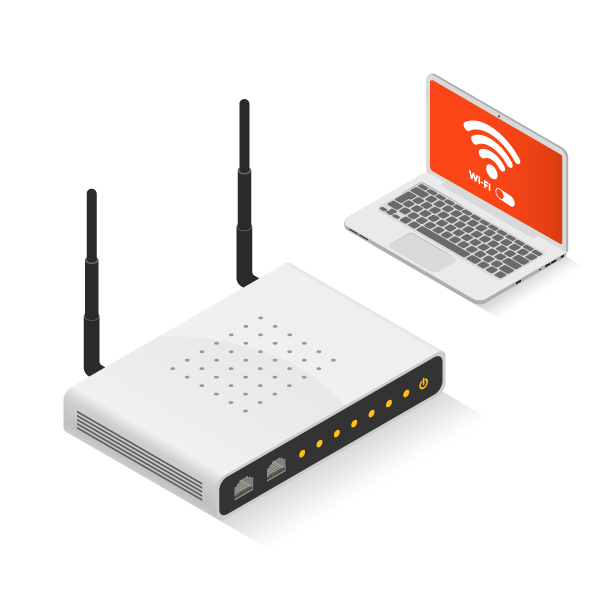
Set up BYO modem
If your modem meets nbn requirements and is compatible with your connection type, you can start setting up.

Modem from another internet provider?
Read our FAQs to learn if your modem from a major internet provider will be compatible on our network.
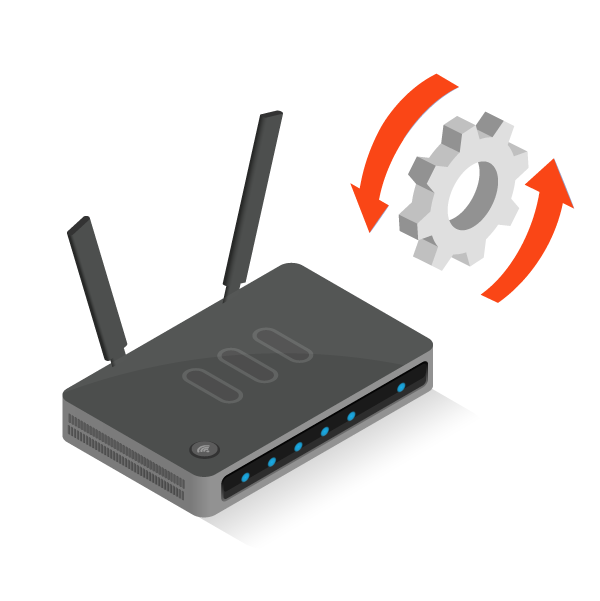
How to configure your BYO modem
You may need to reconfigure your BYO modem to work on our network. We have some router settings for popular modems.
Having issues with your internet?
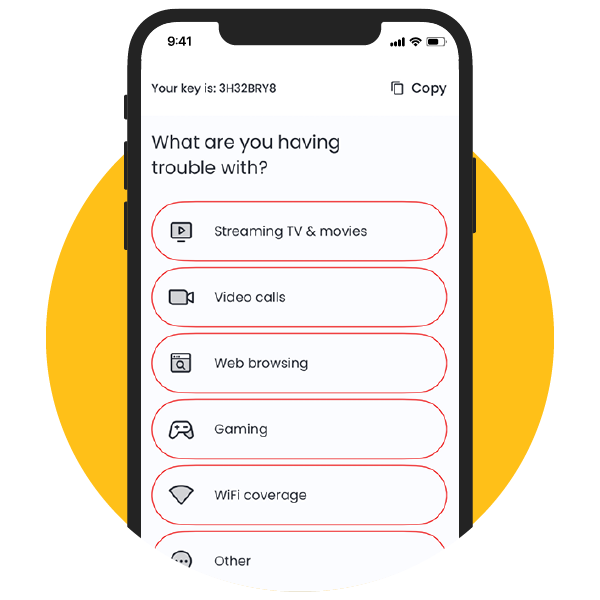
Download the Origin Internet Helper app. The app can help you diagnose common issues like:
- Wi-fi coverage
- Slow internet speeds
- Wi-fi devices not connecting


BYO modem FAQs
What’s the difference between a modem and a router?
A modem is a device that helps you connect to the internet. A router is a device that connects to the modem and uses wi-fi technology to connect your laptops, mobiles, computers and other devices wirelessly.
What is a gateway?
A gateway is an internet hardware device that is both a modem and a router. This means you only need one device. Sometimes gateways are simply referred to as modems.
Can I use a modem without a router and vice versa?
Without a modem, your router won’t be able to connect to the internet, and without a router, devices on your network won’t be able to communicate.
Can I use my router as a wi-fi extender?
No, it can only help your boost your wi-fi signal. But if you’re experiencing wi-fi dead zones or weak wi-fi signals, you may need a wi-fi extender instead.
Based on my nbn connection type, do I need a modem, router or both?
FTTP, HFC, FTTC connection types have NTD boxes that double up as modems, so these connections will require an additional router to set up wi-fi inside the house.
FTTN and FTTB connection types need both a modem and a router – a gateway is both a modem and a router, but you have to make sure it’s VDSL2 compatible.
Internet service, speeds, modem and fee information

nbn and Opticomm fibre speeds explained
Learn more about the national broadband network and fibre broadband and determine how much speed or mbps you might need for school, work, streaming or gaming at home.

nbn internet modem options
Get the TP Link modem or eero 6+ for fast and reliable internet at home – or choose to BYO modem for any of our internet services.

Fees and charges for internet offers
If you’re signing up for a new internet service, there may be additional fees or charges that we would need to pass on to you. See the full breakdown or learn how to read your internet bill.

Moving your Origin or nbn internet
Moving house? Relocate your existing broadband service to a new address at any time. Just give us a call on 1300 980 711 and our team will be happy to help.

Manage internet and energy in the app
Quickly and easily make changes, check your usage, manage your account and update billing details for your internet service. You’ll also get the latest offers, rewards and more!

Help with your nbn, internet or modem
From modem set up to account settings – simply find what you’re looking for in our Help & Support section. Or get in touch with our Australia-based customer care specialists.