View your bills and usage on EnergyZone
Log in to your EnergyZone account to view your bills and usage data, when it suits you.
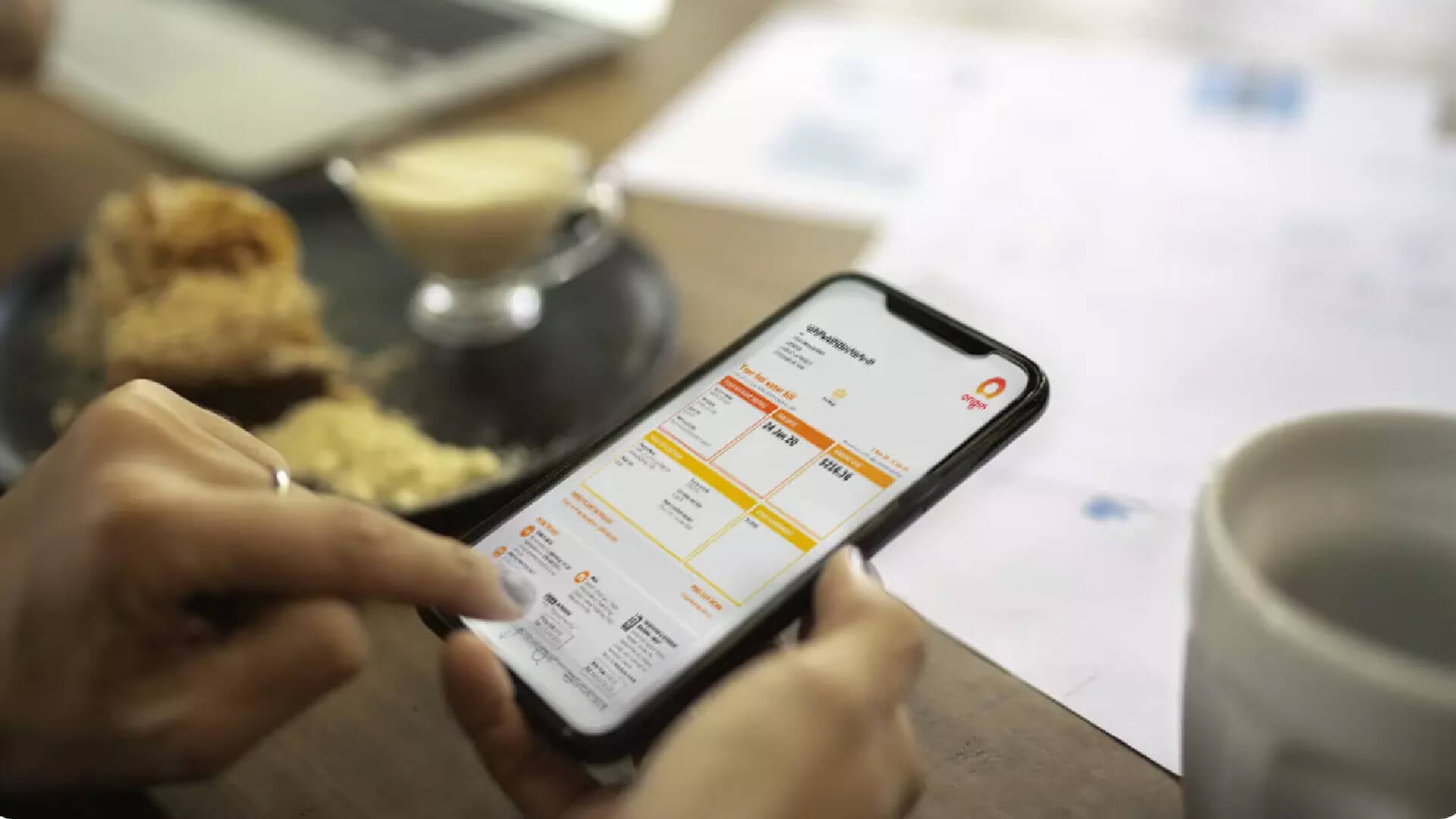
Logging in to EnergyZone for the first time?
- Click the log in button on the top right corner of this page.
- Enter your username and password. If you forgot your password or it’s your first time logging in: Click on “Forgot or create my password”.
- You’ll receive an email with prompts to change your password. If you don’t receive an email, contact us at mybusinessaccount@originenergy.com.au.
- Log in using your new details to start using EnergyZone.
How to view and
download your bills
- Log in.
- Click the ‘bills’ option on your dashboard or Click ‘Usage and Bills’ on the left menu.
- If you have multiple accounts, you can either choose the account you want to view the bill for, use the Search function, or apply filters to narrow your search results.
- You can download one bill at a time or use the bulk download option to download a selection.
How to view and
download your meter data
- Log in.
- Click the ‘usage’ option on your dashboard or Click ‘Reports’ on the left menu.
- To export data, click on ‘Export’.
- Search for a specific site by the NMI, MIRN, or a keyword (e.g. site address), and input the fields for ‘Commodity’, ‘Start Date’, and ‘End Date’.
- Export in either CSV or NEM12 format.
- A link to download the meter data file will be sent to your registered email. Click the link in the email to download the data file.
Discover more features
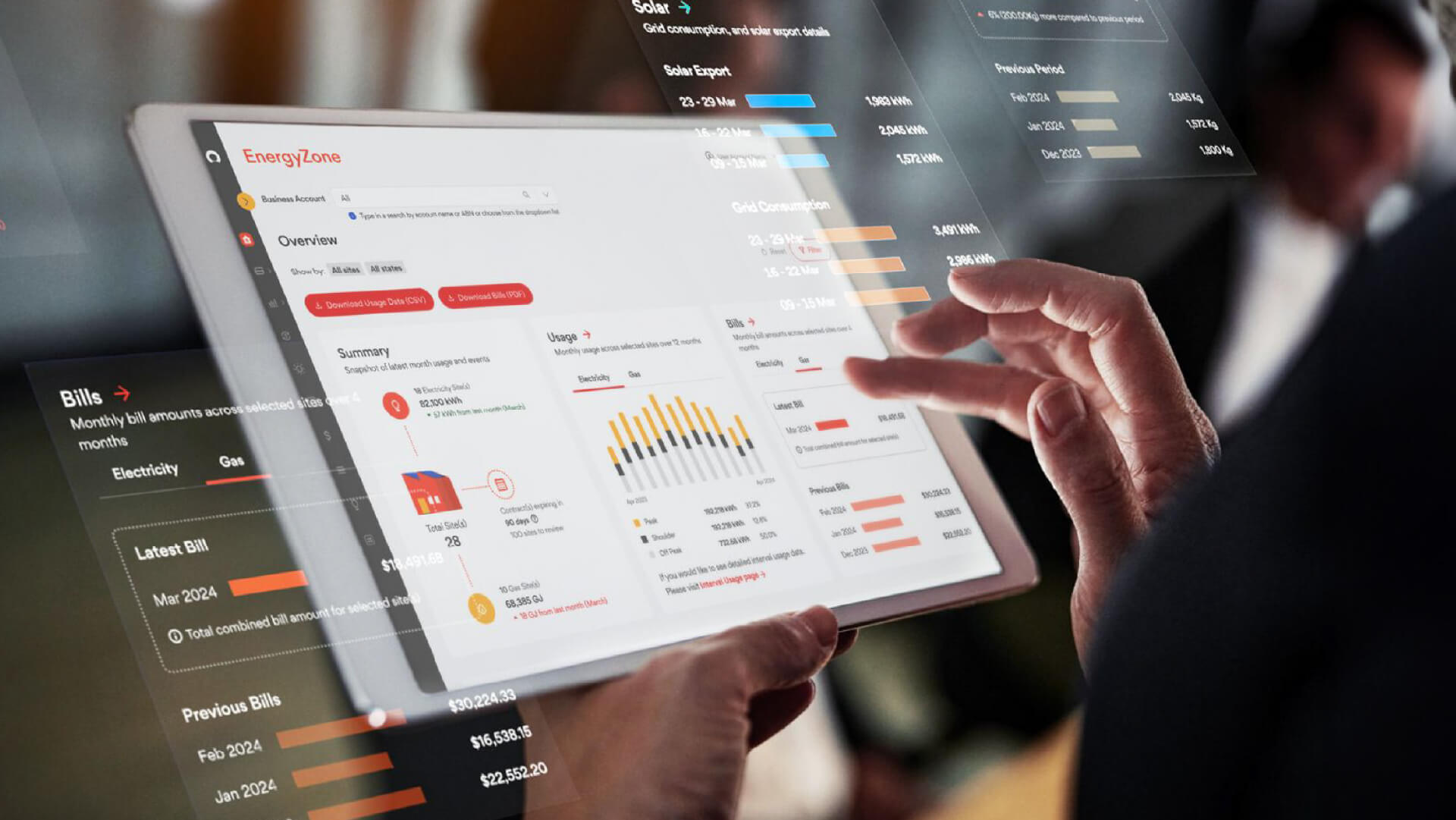
Access additional features that give you the power to manage your energy and make informed decisions to achieve your energy goals with EnergyZone.
Energy data at your fingertips
Origin Zero EnergyZone lets you take control of your business’s energy with personalised insights and advice to help you optimise your usage, track your emissions, and reach your decarbonisation targets.