How to read your meter
If you’re eligible, you can send your meter reading to us. You can check your current usage and cost. If your last bill was estimated, you can send us a meter reading on or before the due date and we’ll send you a replacement bill. Get started with My Account or the Origin app.
Check you have safe access
Your safety matters. Make sure you look out for hazards before you start your meter read.
Staying safe around your hot water meter
Only do a self-meter read if you can stand flat on the ground next to your hot water meter. Have a quick look for spiders or other insects first.
Don’t open any box, panel or door marked with a danger, no access or high voltage warning on it. Those signs are there to keep you safe.
If you can’t get to your meter safely, immediately stop and contact us for help.
Find your meter
Every home is different and sometimes it’s hard to find your meter. Don’t worry, we’ve got you covered. Use our guide below to find it.
Find your meter at your apartment or duplex
Meters for apartment buildings and duplexes are usually together. Talk to your body corporate, building manager or real estate agent to get access. They can be found together:
- outside near the street
- in a carpark
- in a basement
- in a cabinet on your level
Hot water meters can also be found in ceiling access panels, but for safety reasons, you shouldn’t try to access a ceiling access panel yourself. If you can’t find your hot water meter, or if you can’t get to your hot water meter safely, immediately stop and contact us for help.
Check your meter type
The type of meter you have can depend on when and where your house was built. Self-meter reads are only available for basic meters.
Basic meter features
- All natural gas meters are basic meters.
- Basic electricity meters have different types of displays – clock, digital and odometer.
- There are some basic electricity meters with a digital display. This does not make them smart meters.
- A basic meter records your energy usage as you go, on a dial or display on the meter.
- It needs to be read regularly so that you can understand your usage over time. It’s calculated by adding up the kWhs (electricity), megajoules (natural gas) or litres (hot water) between two meter read dates.
Before you get started
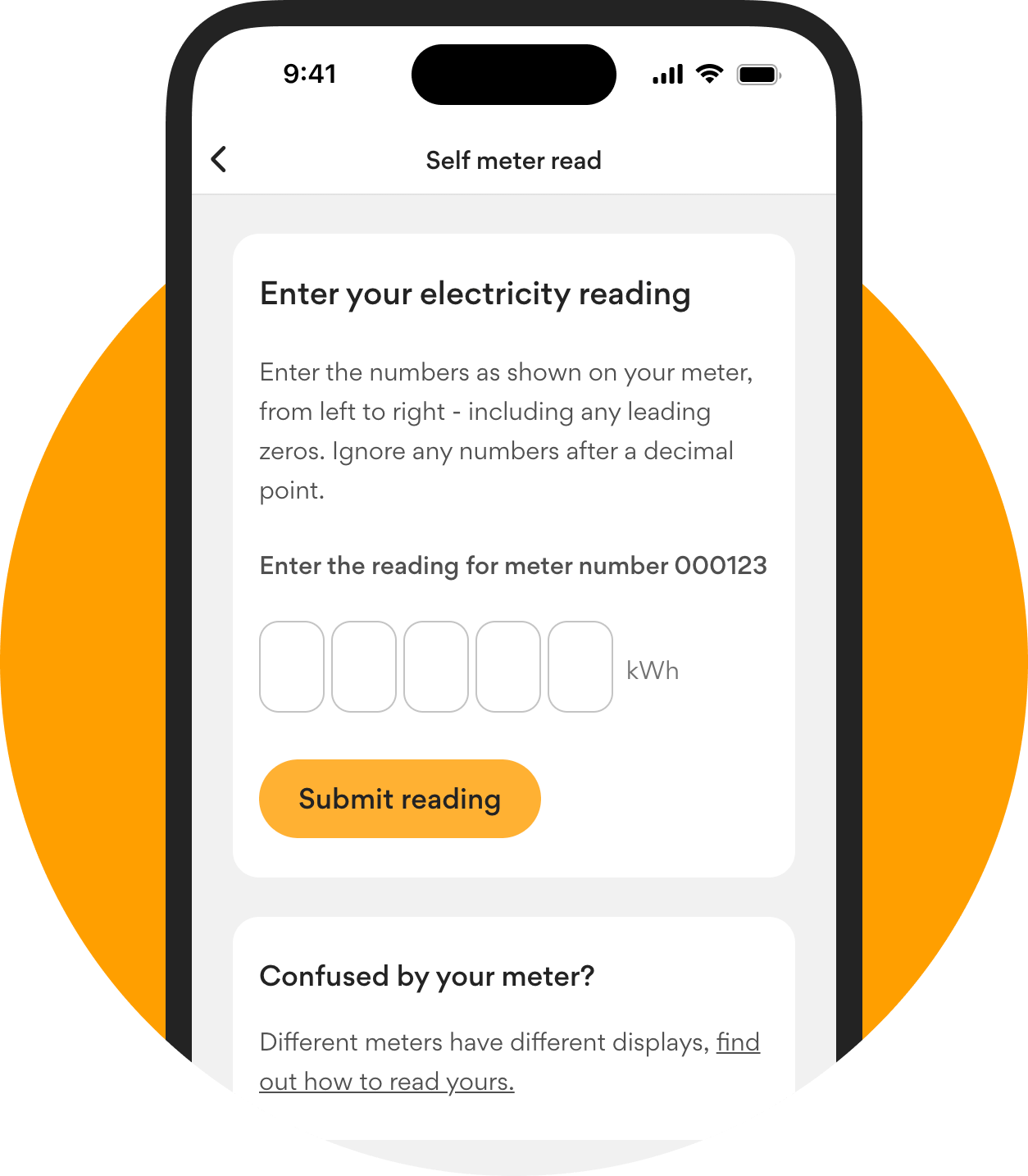
- Go to My Account or the Origin app
- If you’re using the Origin app, select Profile from the bottom navigation bar
- If you’re using My Account on mobile, tap the three-line menu icon in the top left
- If you’re using My Account on a computer, move onto the next step
- Select Billing & Payments
- Select Submit a meter read
- Select Get started
- Next, you’ll see your eligible accounts
- Select the account you want to submit a reading for
- We’ll show you the serial number of your registered meter
- Check that it matches the number on your bill
If your account is in the ineligible account section, select Find out why to learn more.
This is usually because it’s a smart meter that sends data to us automatically.
Read your meter
Choose your meter type and follow the steps. Check the serial number matches what’s in the app.
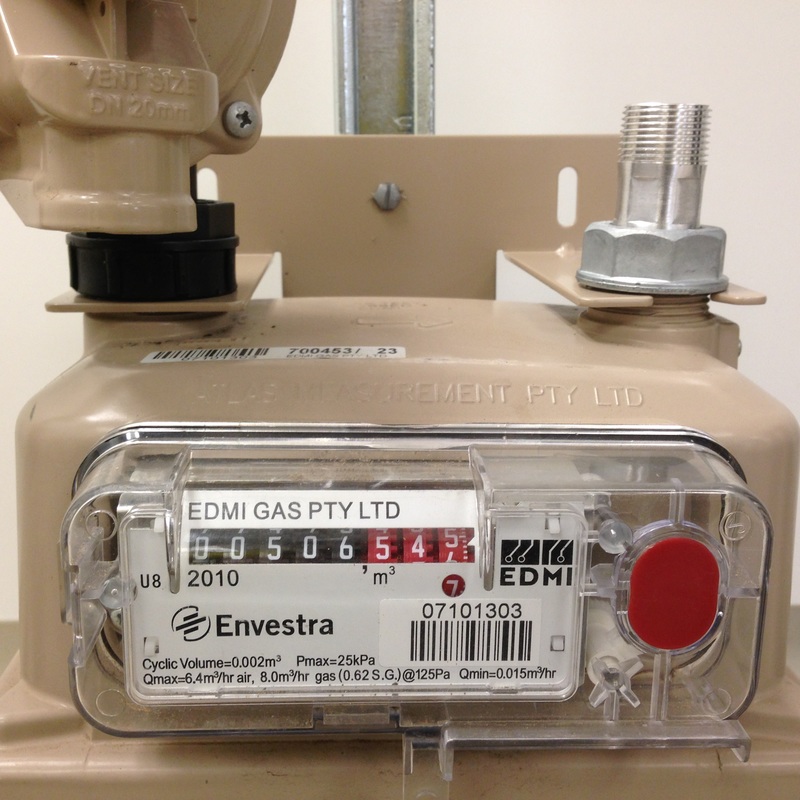
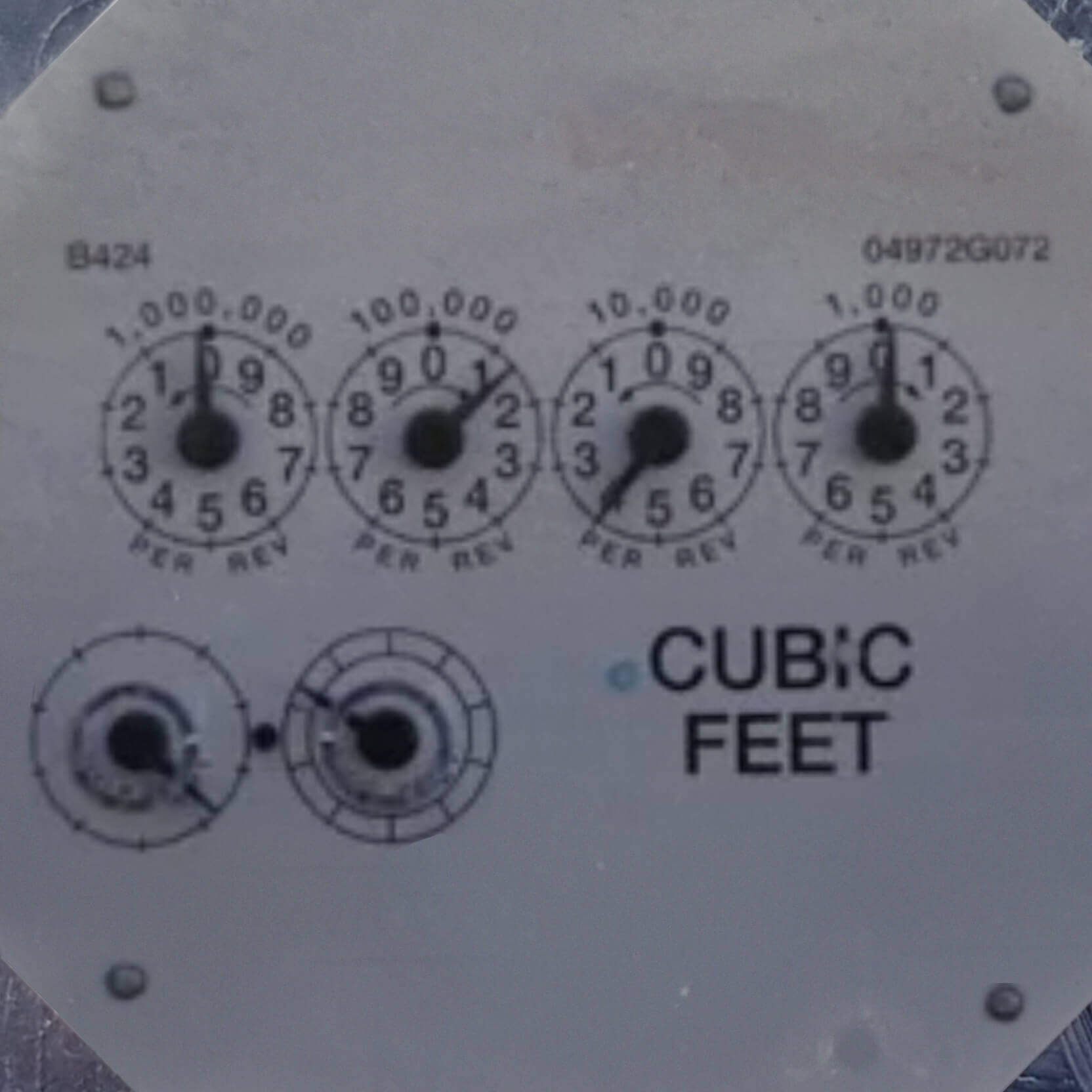
How to read a hot water meter
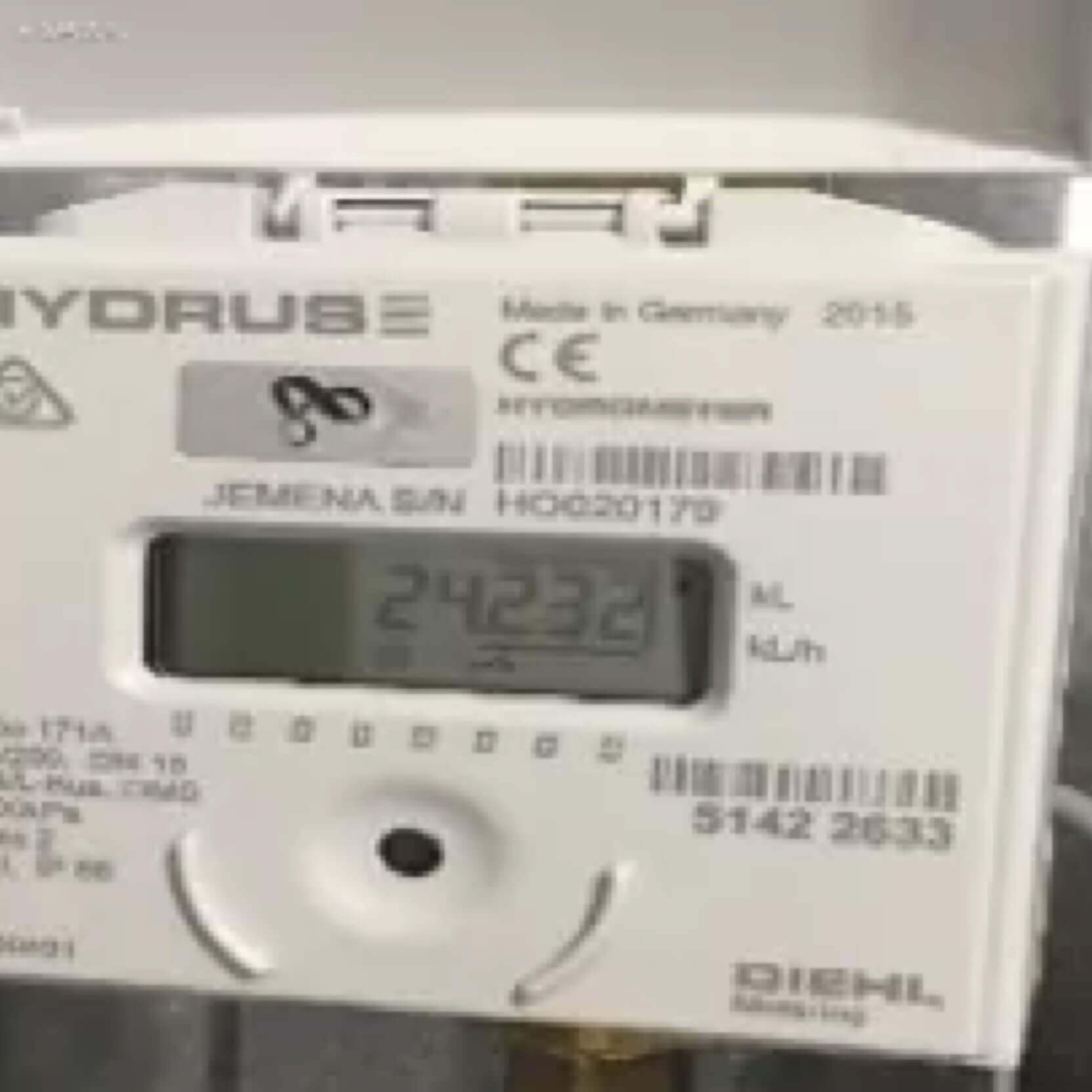
Some properties have hot water meters that are fitted with a remote reader unit. The meter itself may be located somewhere inaccessible like a cupboard or in the ceiling. For these, there are two components:
- the physical meter which has the reading displayed
- the remote reading unit attached to or near the meter. The remote reading unit does not have a display and can only be read remotely.
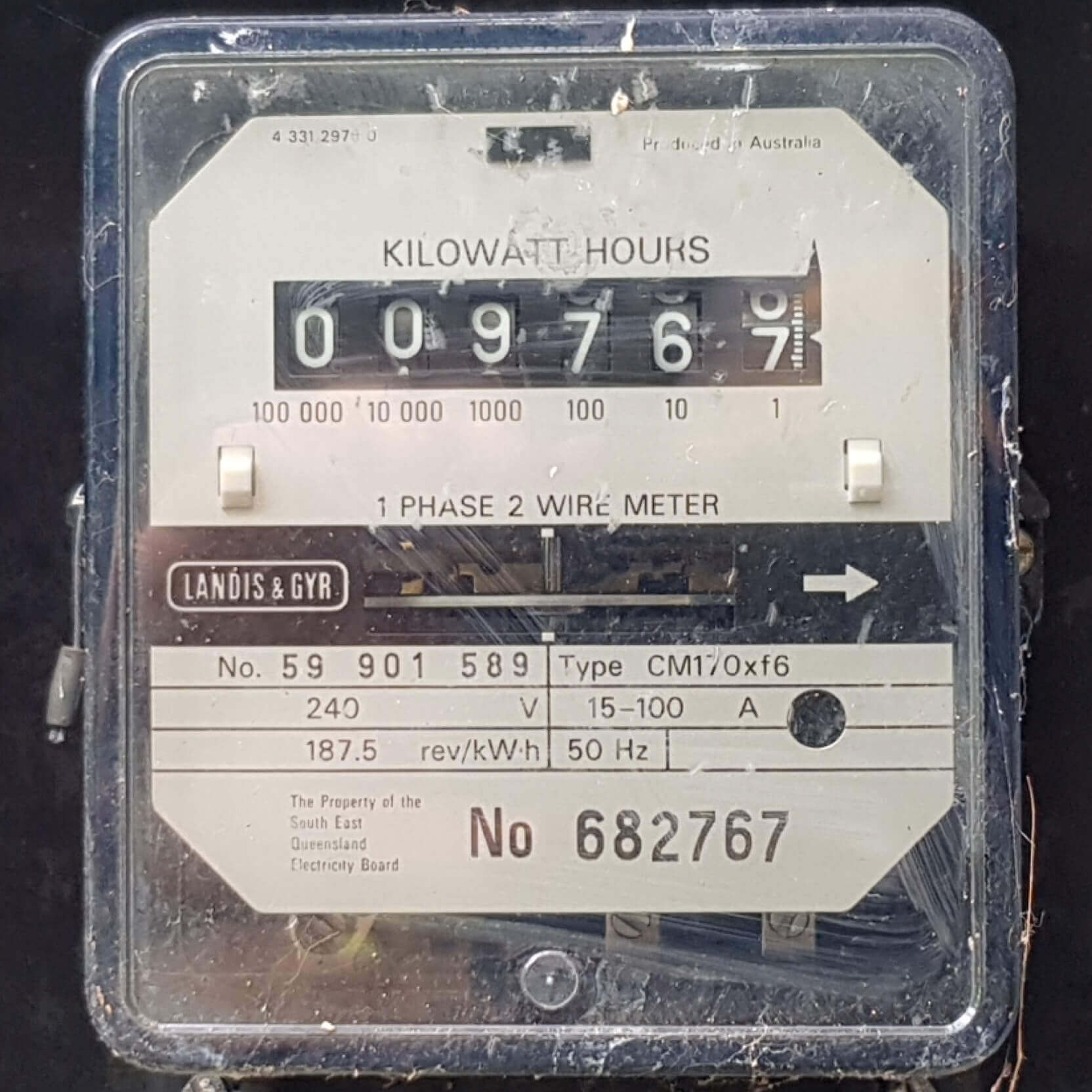
Odometer display
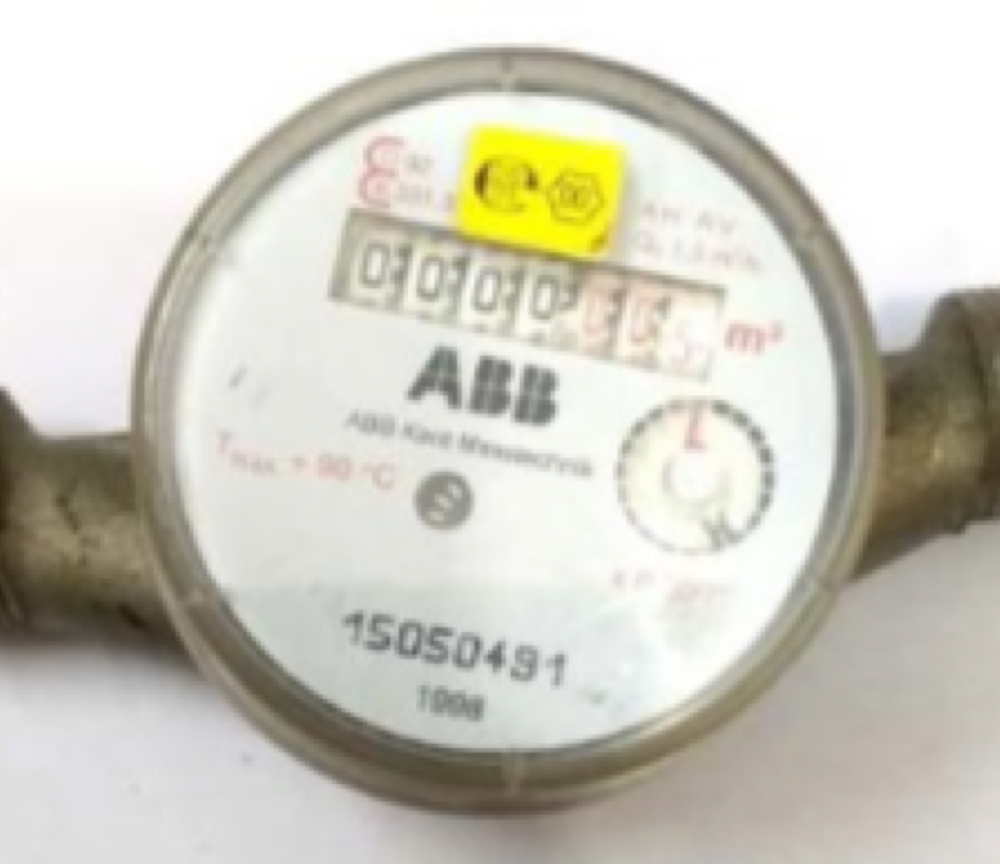

Both of these meters are read left to right. Take note of all the black dials and only two red dials to confirm your meter reading.
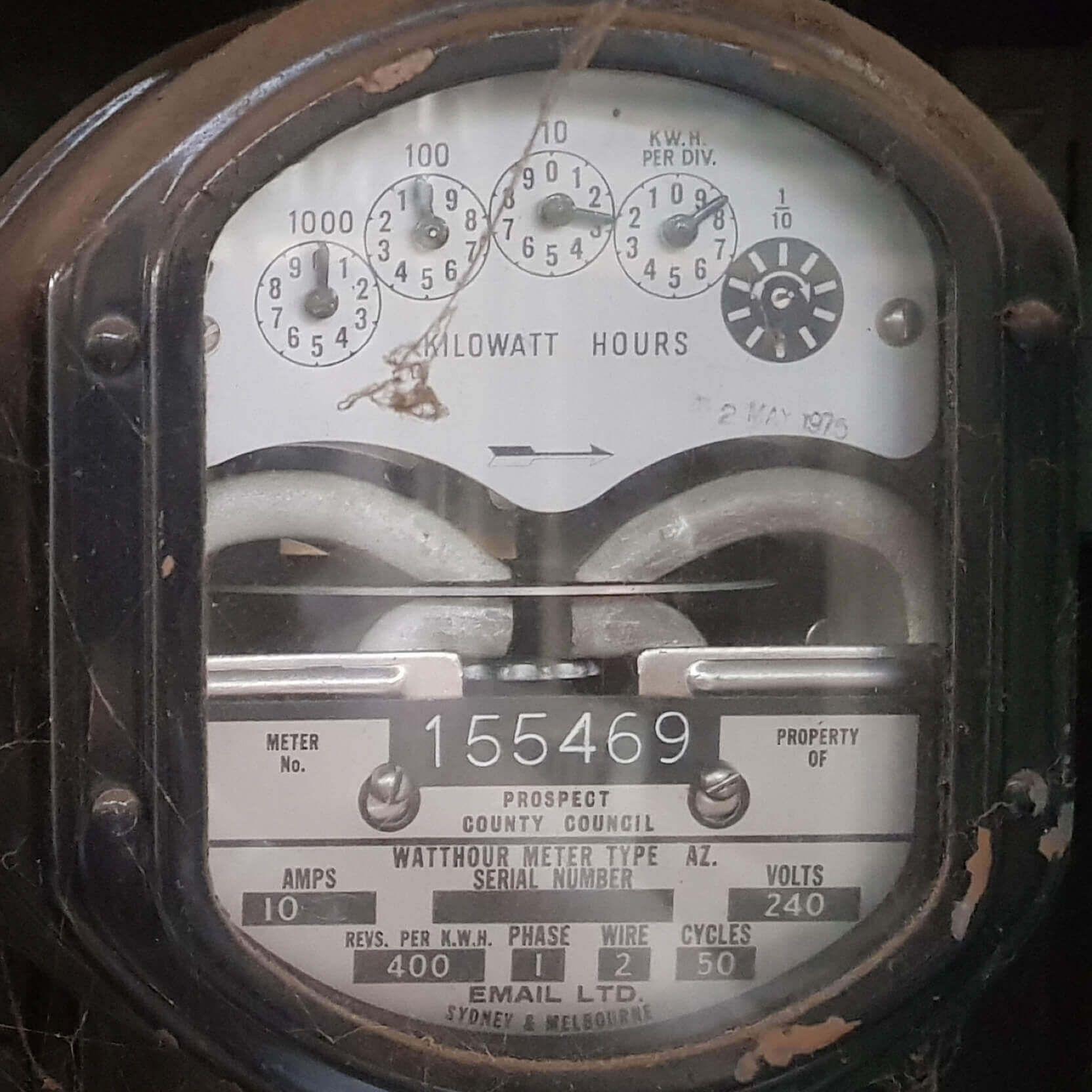
Odometer and clock display
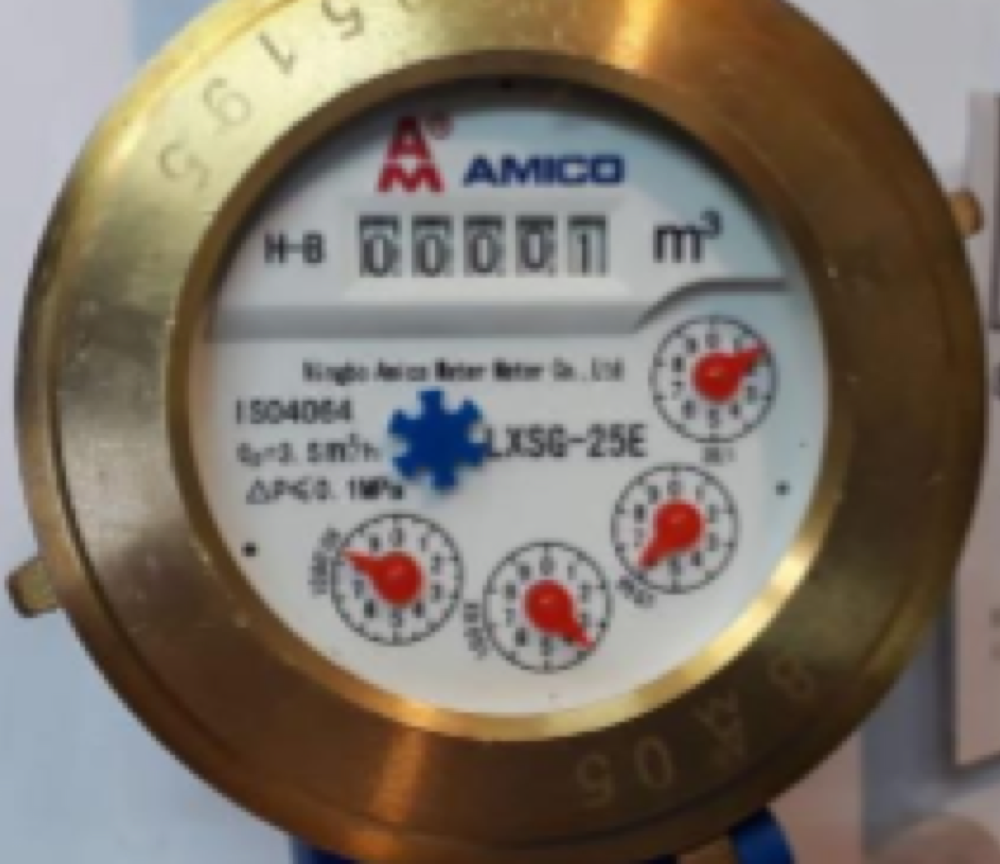
On this meter you read all the black digits and the first two of the round dials left to right.
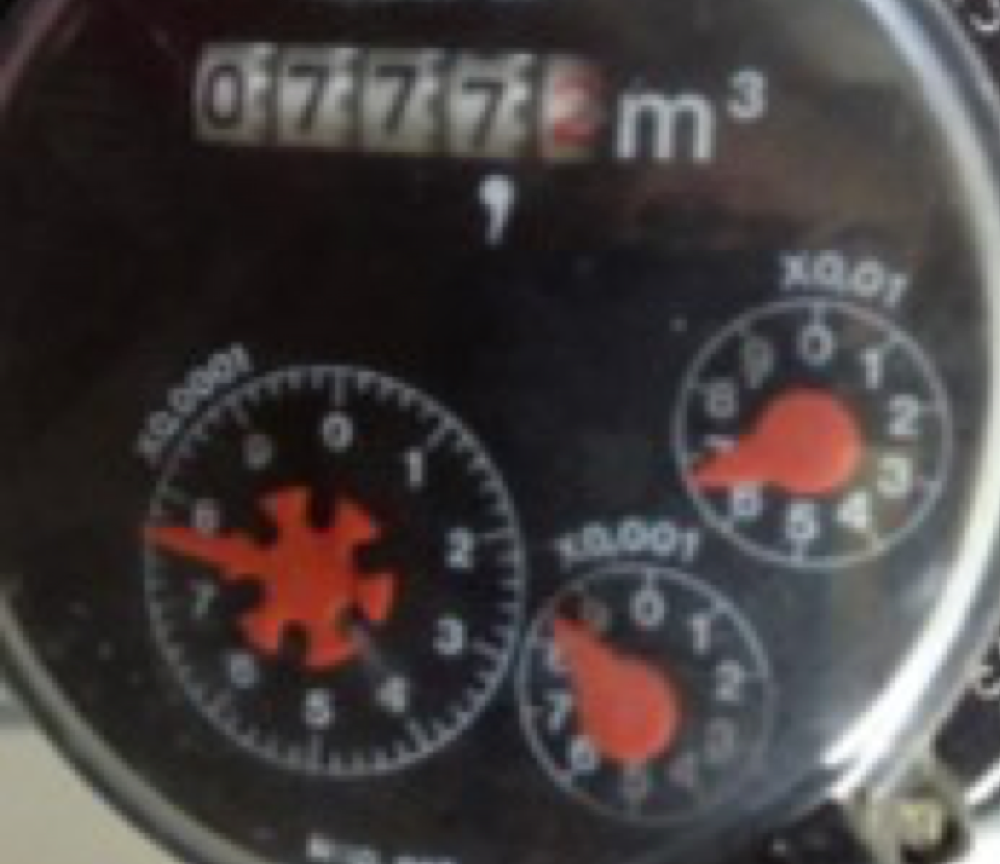
On this meter, take note of all four black digits, one red digit and one round dial (x0,01).
Digital display
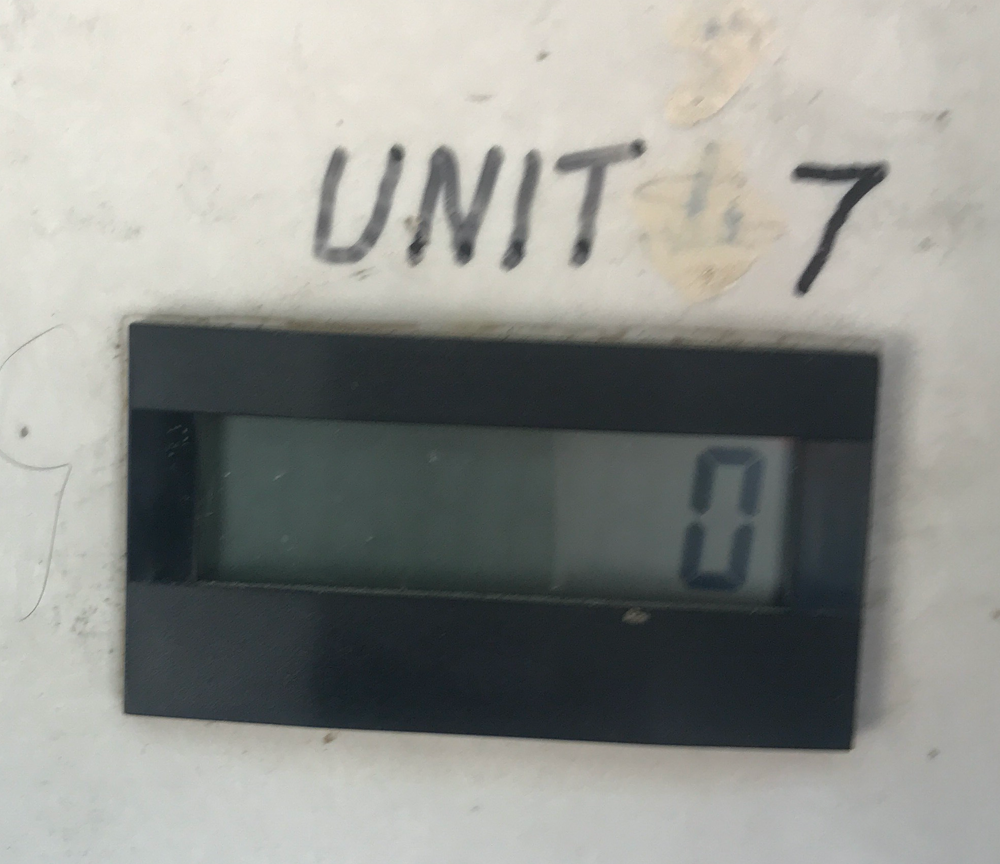
This meter is attached to a digital display. The meter itself isn’t digital. Take note of the read on the display.
Need more help?
We’ll guide you through next steps and help you understand your estimated bills.
What happens after I send my self-meter read?
What you use the self-meter read for will affect what happens next.
Cost to date and predicted bill
Submit your read to view your cost to date and see your predicted bill. We’ll keep track of it to help predict your bill again at the next read. We’re not able to reflect your self-meter read on your usage screen or dashboard. But we’re working on it.
Estimated bill adjusted
If your last bill was based on an estimate and it’s not overdue, we’ll update it using the self-meter read you sent. You’ll get a new bill with an updated amount due and new due date within 5 business days.
If you miss the due date for your self-meter read, you’ll need to pay the amount on your estimated bill. We’ll update your account as soon as we get your next actual read.
These may also be helpful:
I’ve been asked for a photo of my meter, what do I do?
Sometimes, to accept your meter read, we’ll need a photo of your meter. We’ll let you know if this applies to you. If we ask for a photo, here are some tips to help.
Make sure the photo is:
- clear, not blurry
- taken from directly in front, not from above or below
- showing the entire face of the meter
- free from dust or dirt
- easily visible, not obscured by writing or glare
- showing two sets of numbers – the meter reading and the serial number.
Why hasn’t my self-read been accepted?
We might not be able to accept your self-read because:
- the usage shown is unusually high and doesn’t look accurate
- the self-read wasn’t done according to our guide
- the number you’ve given is lower than your last actual meter read
- you’re getting your meter exchanged
- we discover that you’re not connected to the right meter
- the meter is a master subtractive type (these work a bit differently)
- we got your self-read after the bill’s due date
- the self-read was for a final bill
- you haven’t had an actual meter read in over 12 months
- your self-read came in just before your next scheduled read. This means we’ll need to wait for the official one from the meter provider.
A simple and easy way to manage your energy
If you’re eligible, you can view your costs, usage and get your bill – all from your phone.

