The eero 7,
bringing the power of wi-fi 7 within reach
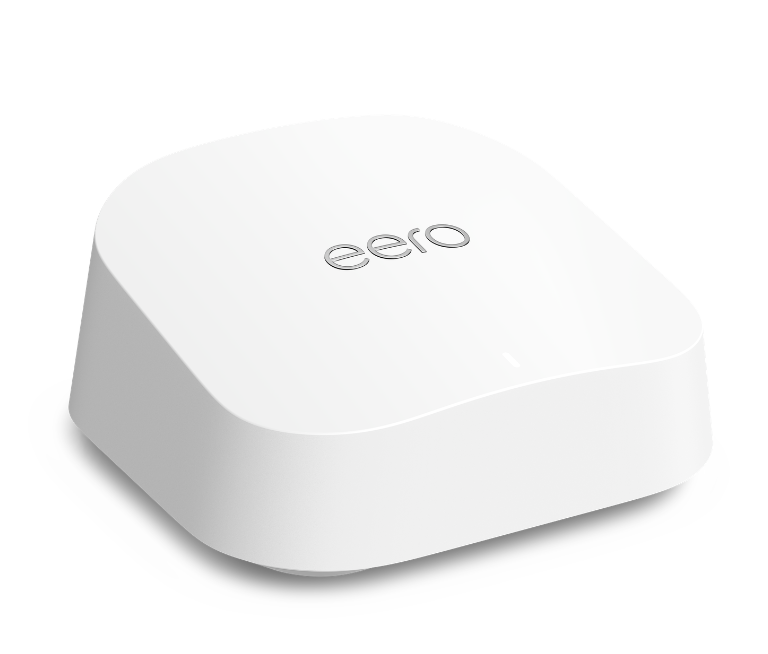
As our homes grow more and more connected, it’s useful to have a network that can keep up. The eero 7 is a future ready wi-fi system designed to support fast speeds and wide coverage. It’s simple to set up, manage and expand as your internet needs grow and change.
eero Secure on us, with Origin^
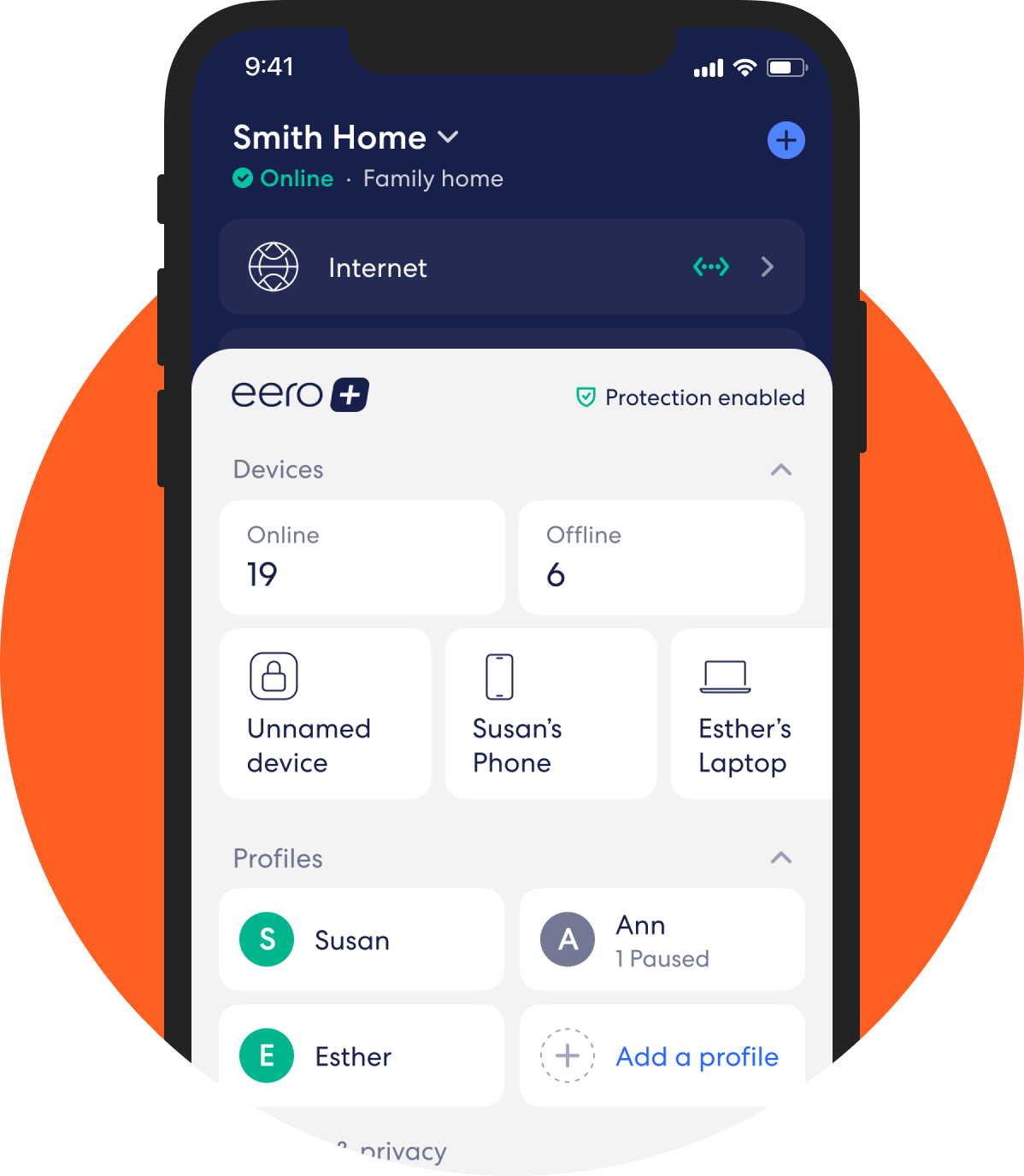
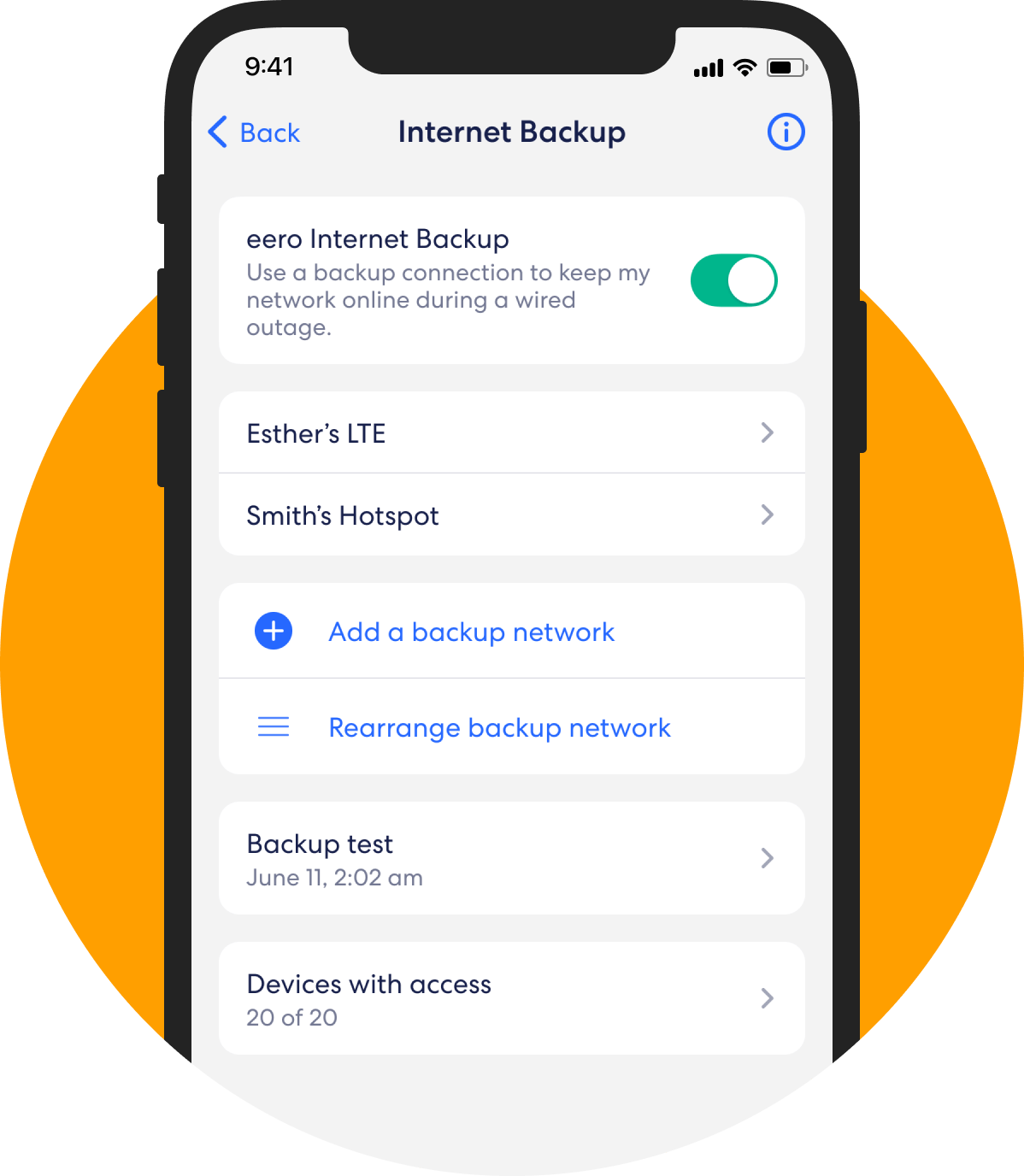
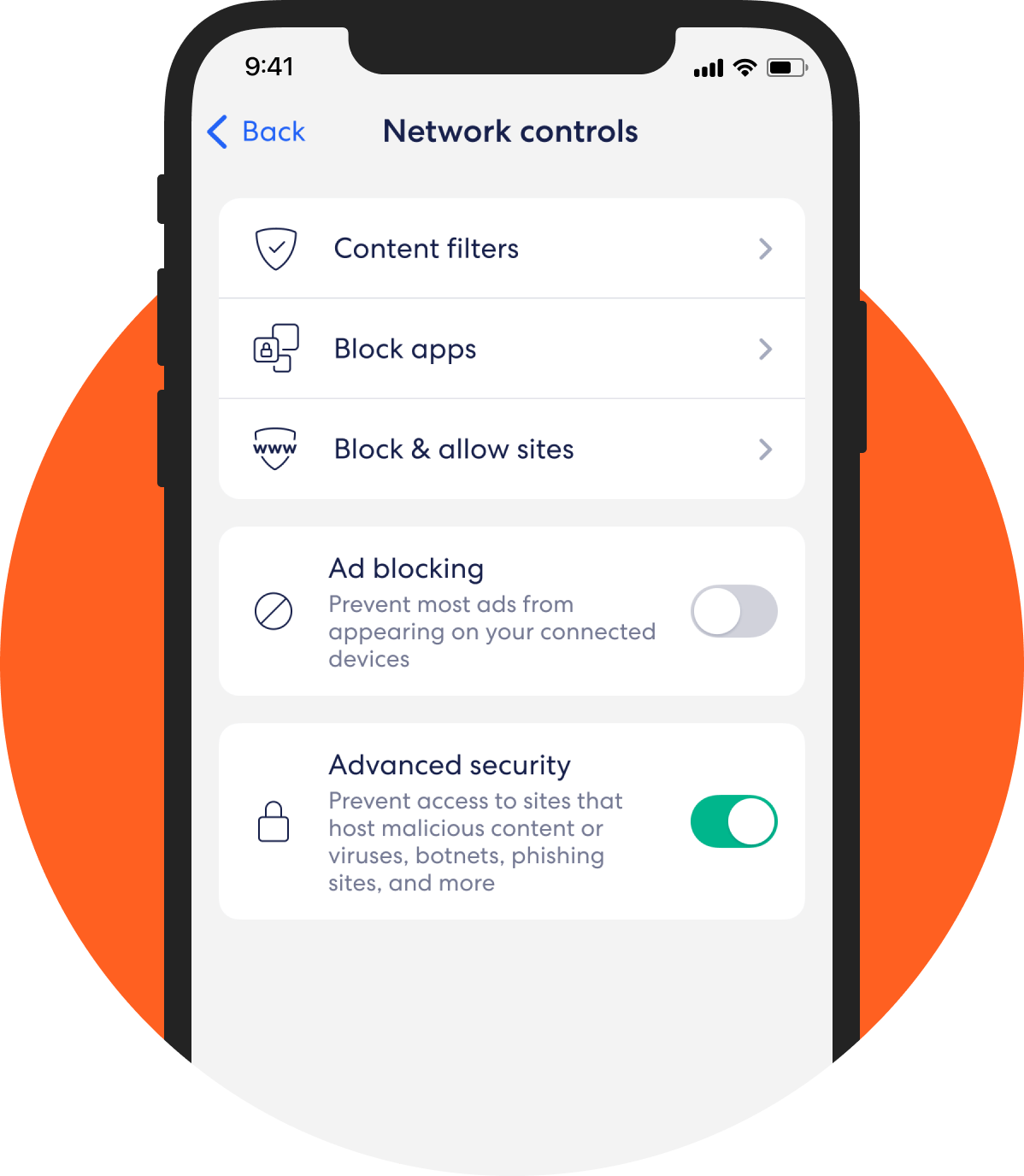
How does an eero Secure at no extra cost sound? Pretty good, right? Internet Backup keeps your wi-fi running if your wired connection goes down. Use ad blocking to enjoy the internet without interruptions. Set Content Filters for a safer online experience. Control access with app blocking — and so much more. Sign up with Origin to unlock your eero toolkit.
Parental control made simple
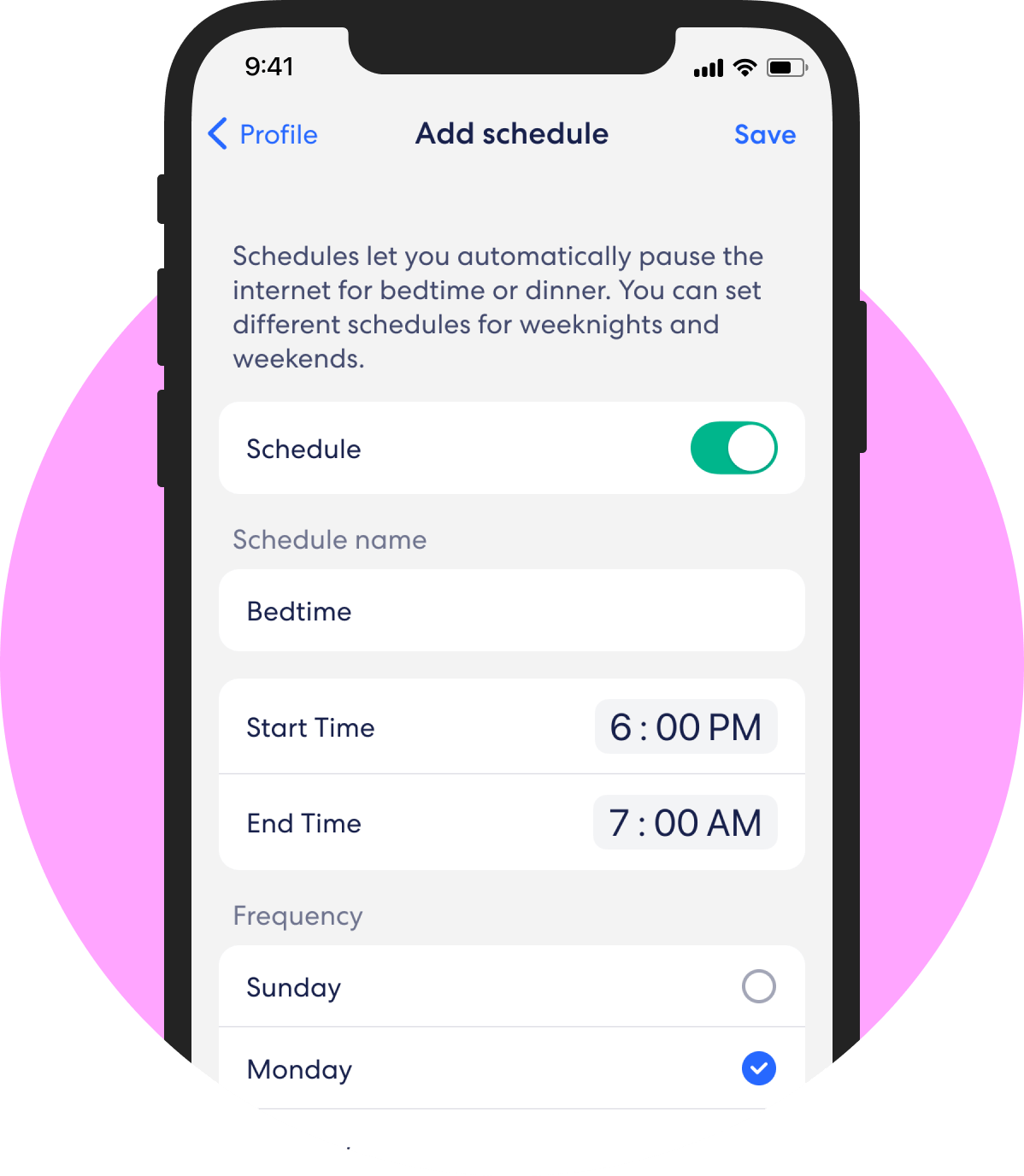
Use the eero mobile app to set up profiles. These profiles can be changed to fit your needs. You can filter content, Block Apps and keep an eye on data usage for devices and profiles. Thoughtful parental control features like these help keep your family connected and safe.
Smart network, strong connections
eero 7 monitors and automatically optimises your wi-fi performance to help prevent drop-offs and dead spots. A single eero 7 covers up to 190m² and supports up to 120 connected devices, depending on the plan speed you choose. Large home? Additional eeros can be added to expand your wi-fi’s reach so no room is left behind – just give us a call to get started.
Alexa and eero 7 — a perfect match
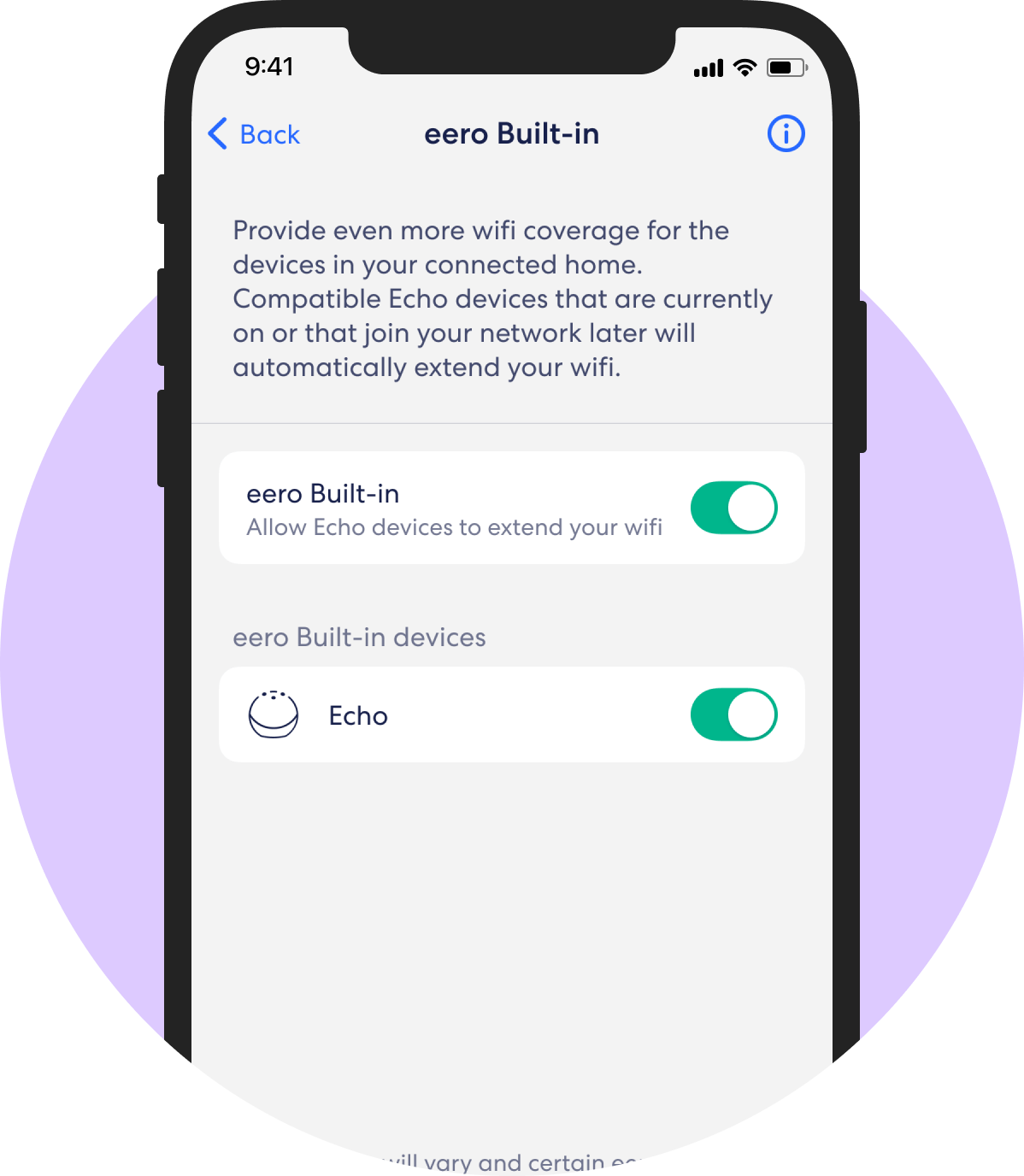
This one router does two things. eero 7 doubles as a smart router and Zigbee hub. Connect and control your Echo devices with Alexa. You’ll need to have a compatible Echo device and then link your Amazon account to it. Talk to Alexa, and your devices will listen. If you have a compatible Echo device, you can even use it as a mesh wi-fi extender. eero and Echo work together to take your smart home to the next level.
What secure networks are made of
eero 7 adds an extra layer of defence to your home internet with built-in security features, like advanced encryption. Ongoing software updates bring you the latest improvements and security patches, while eero Secure helps protect against phishing attacks and malware by blocking risky sites.
Signs your wi-fi needs an upgrade
Your choice of modem/router, and how you set it up within your premises, could limit you from utilising the maximum speed of your internet plan.

A weak signal
Have you noticed slower internet speeds? Or maybe there are spots in your home with no wi-fi at all? It could be time for a router upgrade. To investigate, try connecting your computer into the modem using an Ethernet cable. If your connection is faster this way, your router might be struggling to keep up.

Connection issues
Is your connection constantly dropping? Does your router need restarting all the time? Too many devices connected at once can overload your router. If it’s been running nonstop, it might be overheating. Drop outs and overheating can indicate hardware issues. You can try a reset or firmware update, and consider cooling or relocation to avoid heat. If problems persist, this could be a sign to consider replacing your router.

Old hardware
Is your router more than 3 years old? Older routers can struggle to handle fast speeds and newer devices as they may not support newer wi-fi standards. They also don’t have the latest security features. This could put your network at risk. If this is what you’re dealing with, it might be time for a new router.

Set up your smart home in a snap
Using the eero app, you can set up your network within minutes. Download the app and plug in your eero 7. The app will guide you with step-by-step directions. It’s smart wi-fi that’s ready to go when you are.
Need to know more? We’ll get you up to speed
There’s so much power in this little router. We’ve got the answers about everything eero. Below we’ve put together a rundown of common questions.
Router basics
What is a router?
A router is like a traffic controller. Think of data packets as cars and your network as the road to the internet. The router makes sure data travels the fastest, clearest route. This reduces congestion, so your devices run faster.
Is the eero 7 a mesh router?
The eero 7 is a standalone mesh router. You can extend your coverage by adding compatible Echo and eero devices. These will act as a wi-fi mesh extenders. Contact us if you need more coverage
Can eero 7 replace my modem?
The eero 7 plugs straight into your nbn box. This means you don’t need a modem. If you have a more complex setup, you can connect it to a modem. However, this isn’t usually recommended as it may create a Double NAT.
Actual speeds and experience may vary depending on a range of factors, such as your chosen plan, your access network, and your home set up.
^eero Secure subscription included only while you’re an Origin Internet customer.
*Stay with Origin internet for 24 months and get the Amazon eero 7 or TP-Link for $0 (not including upfront $20 delivery fee).
If you cancel your service before 24 months, you are required to pay $12.45 (incl GST) for the Amazon eero 7 or $7 (incl GST) for the TP-Link for every month still remaining as a lump sum.