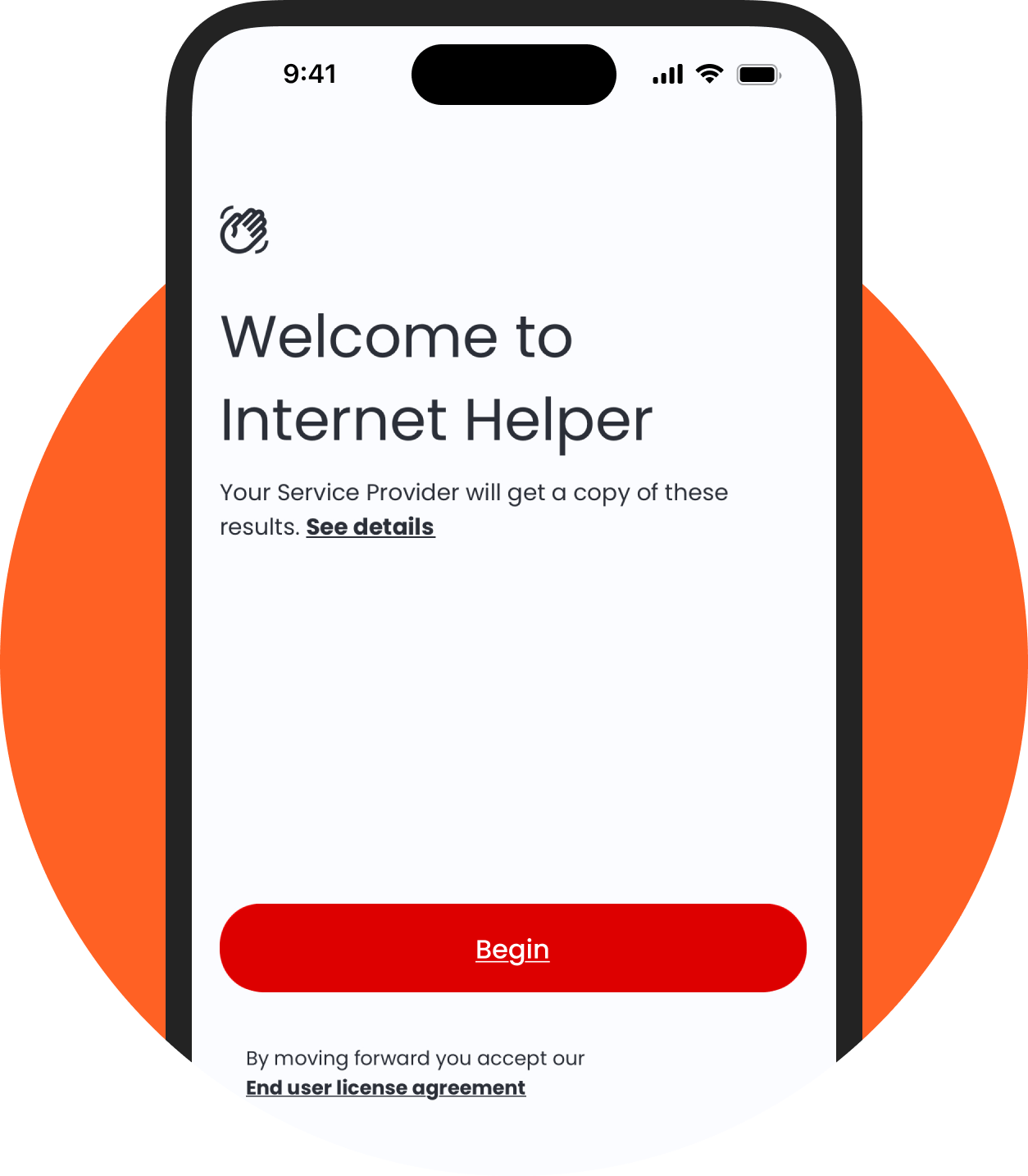
Download the Origin Internet Helper app onto your smart phone. The app can help you diagnose common issues like:


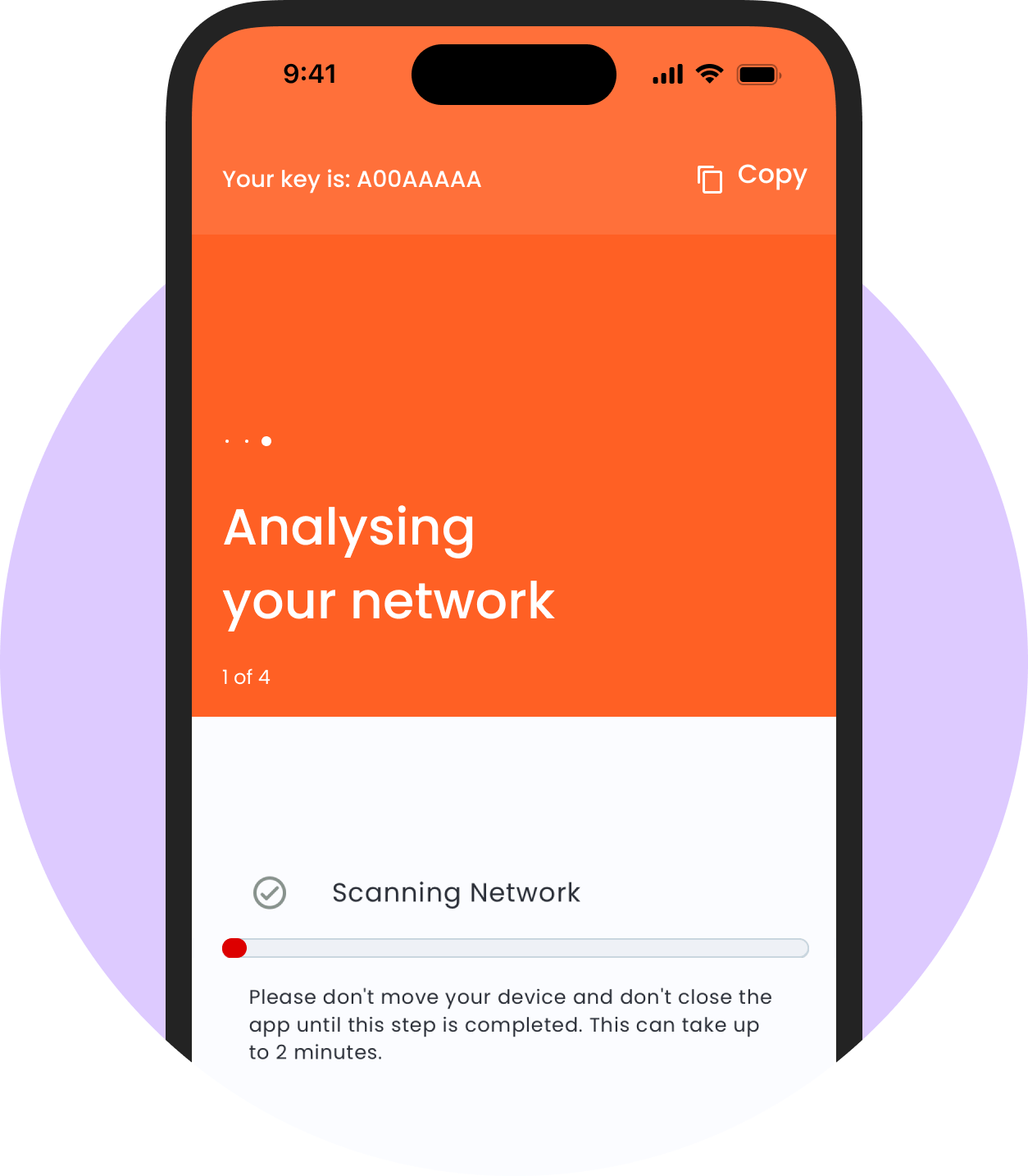
Whenever you have an issue with your internet, run a scan. This scan can tell you about your wi-fi health and give you quick tips to troubleshoot. You can run a scan at any time. If you can’t solve the issue on the app, a unique 8-digit code gets generated every scan. Call our support team and give us this code, and we can help you troubleshoot using the Internet Helper app.
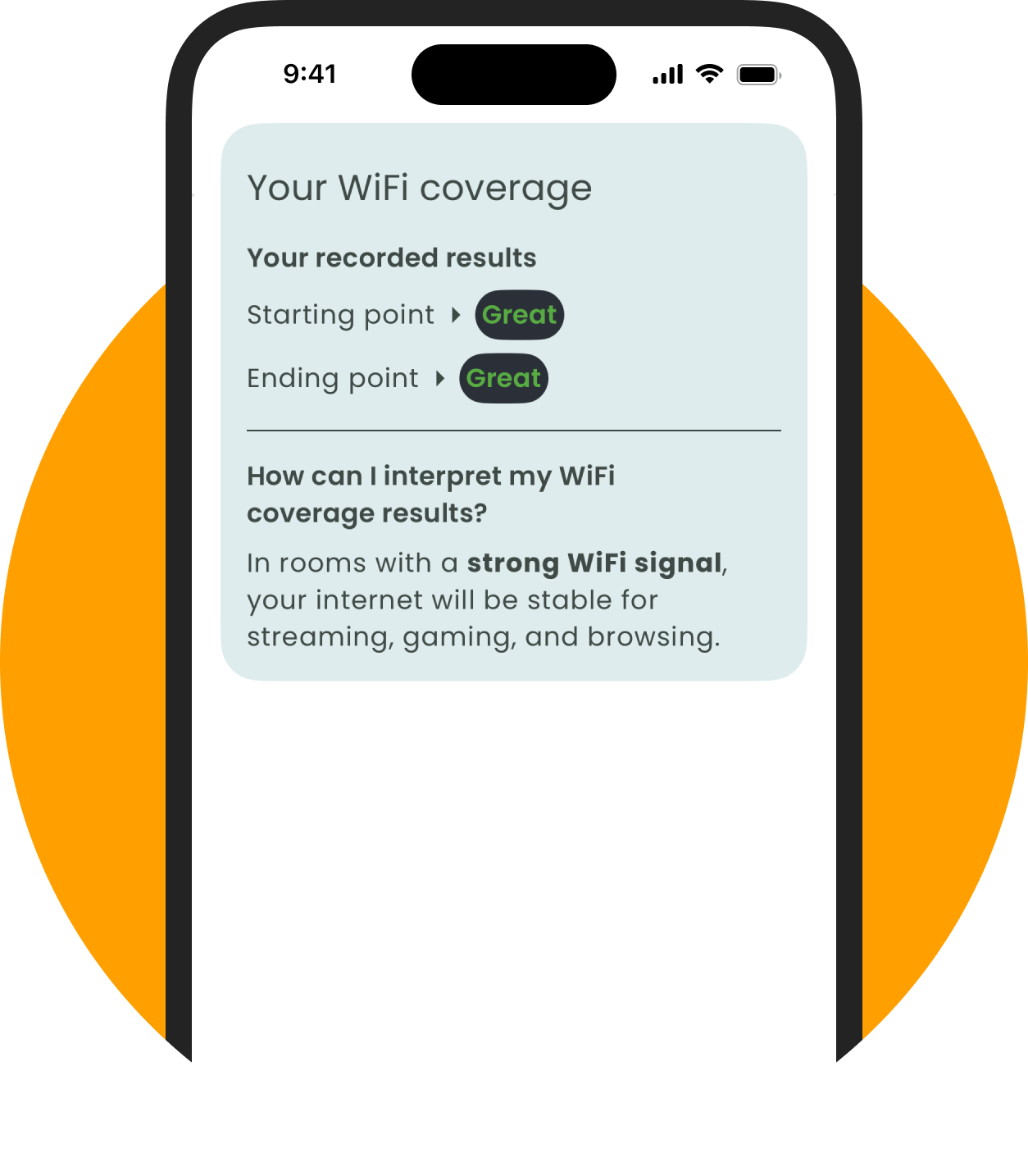
If you notice a problem with your internet speeds or connectivity, go into the Internet Helper app and select from the list of issues to solve. We have useful tips and tricks so you can get the most of your home internet.

Troubleshoot wi-fi issues, device connectivity, slow internet and wi-fi deadzones using the app.

Real-time tips to fix any modem or router issues, so you get the best from your home wi-fi.

Can’t fix it at home? Call our team and they can quickly solve your issue using information from the app
First, check whether there’s a network outage in your area. If there isn’t an outage in your area, call our team on 1300 980 711 and give them the 8-digit code on your Internet Helper app.
Origin Internet Helper can access most modems available in the market. However, if your BYO modem isn’t compatible with your nbn® connection type or with Opticomm, then that may be the reason you’re having issues connecting to the internet. Learn more about BYO modems
If you’re looking to get started with Origin internet, check out our Internet Plans page to find the right mbps speed and coverage for your area. Plus, find the latest deals and bundles when you sign up with electricity and gas. Once you’re signed up, you’ll receive an email from us outlining the next steps with disconnecting your current provider and connecting your new Origin wifi plan.