Origin OneCharge
One card. One app. One invoice.
We make it simple for fleet drivers to access a wide range of public charging stations with over 4,500 plugs available – all under one provider and one simple invoice to your fleet manager.

How do I get started with Origin OneCharge
If your fleet manager has approved a OneCharge card for you, here’s what happens next

Origin will create an account and link to your employer

We’ll post a Origin OneCharge RFID card to you and email you your unique EV Charging ID

Download the Origin EV 360 Charge app

Download the Origin EV 360 Charge app

Download the Origin EV 360 Charge app
How do I access Origin’s partner chargers?
With Origin OneCharge , you can start charging at participating networks using either your Origin 360 EV Charge app or your RFID card.
Some networks support both methods, while others only work with one. Check the table below to see which networks are available now, and which start/stop methods they support – so you’ll always know the easiest way to get powered up.
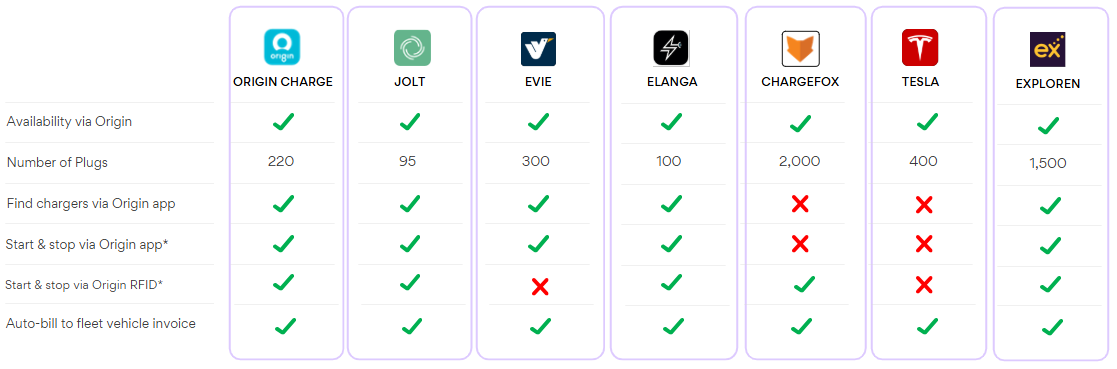
*Access to Tesla chargers through OneCharge is limited to Tesla’s where Origin owns the vehicle. Sessions will start automatically when car is plugged in.
Need to replace your OneCharge card or close your account?
If you’ve lost or damaged your OneCharge card, need a replacement, or want to close your account, click the button below and complete the form.
Origin 360 EV Charge FAQs
Which public charging networks are currently included?
We’ve partnered with JOLT, Evie, Chargefox, Tesla, Elanga and Exploren, and will continuing expanding our network over the coming year! You won’t need to do anything as we add more charge point operators (CPOs) to our network. We’ll simply update you when there are more chargers available in your area.
How much does charging on Origin 360 EV Charge cost?
Origin is working hard to keep charging costs down for EV drivers.
The rates reflected on the Origin 360 EV Charge app are provided by the charge point operators (CPOs) and where possible, Origin adds exclusive discounts, offering a low-cost and convenient public charging service for you.
The latest pricing for each network and specific charging point is displayed in the Origin 360 EV Charge app. Sometimes, this rate might be different if you’re charging directly with the CPOs.
The rate that you see in the Origin 360 EV Charge app is the rate that will apply to your session.
How do I register my device and start charging?
Our team will send you a unique EV Charging ID once you’ve signed up. You’ll need it to complete a one-off process to set up Origin 360 EV Charge on your mobile device.
Follow these steps to register your mobile device and start charging.
Want to know more?
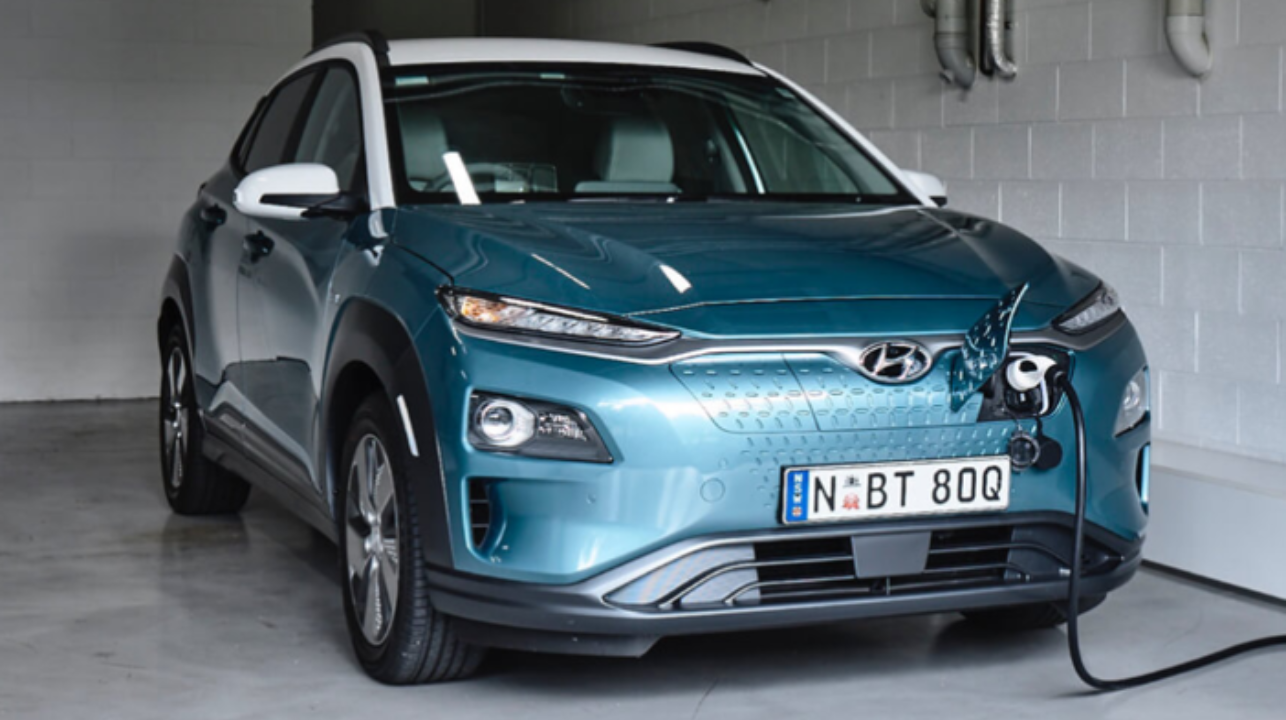
Learn more about EV charging
Here’s all you need to know about EV charging including how EV charging stations are powered and how long public charging might take.
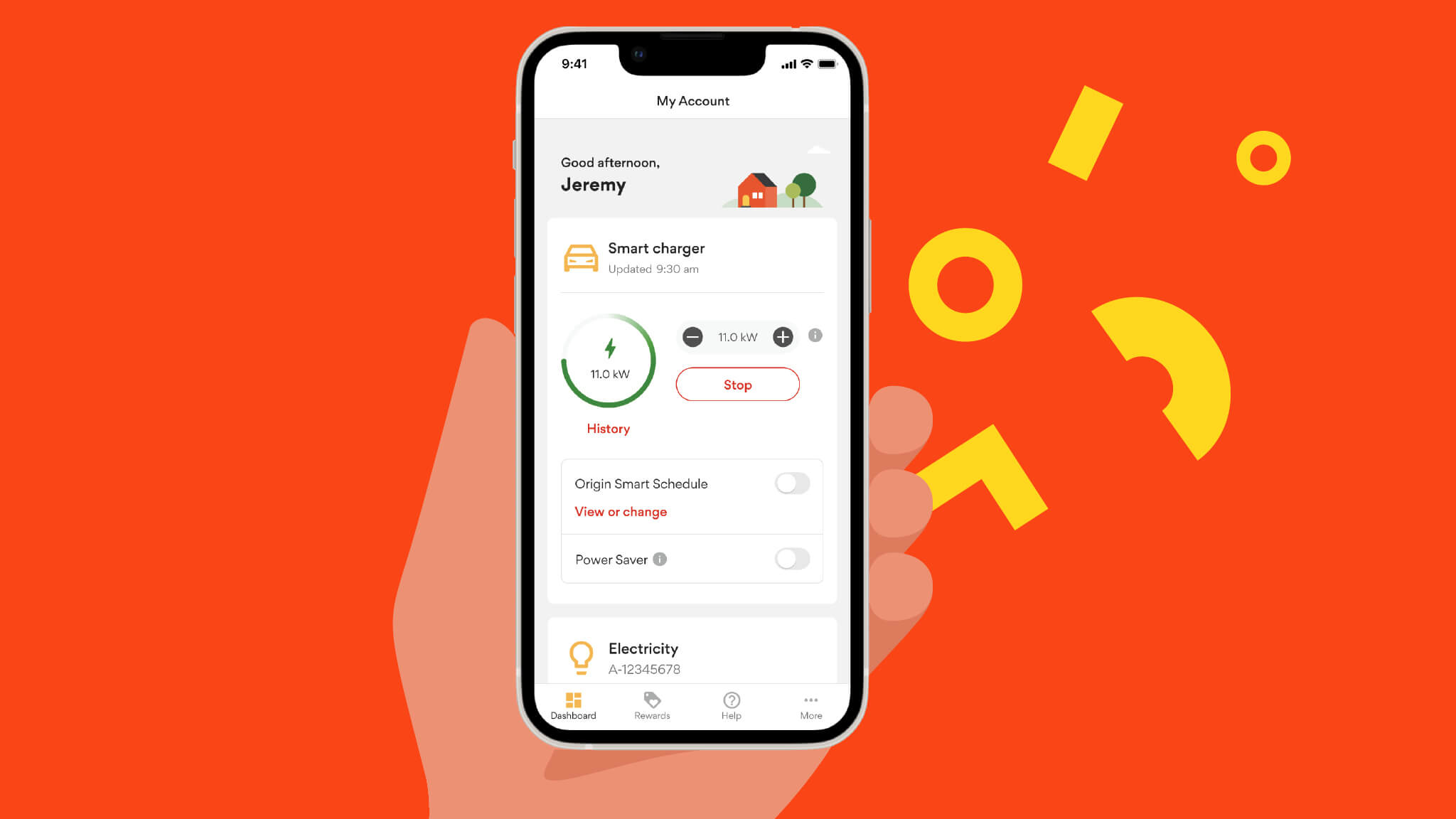
Optimise your EV charging
Smart scheduling allows you to choose when to charge your EV and help provide greater control over your energy consumption.
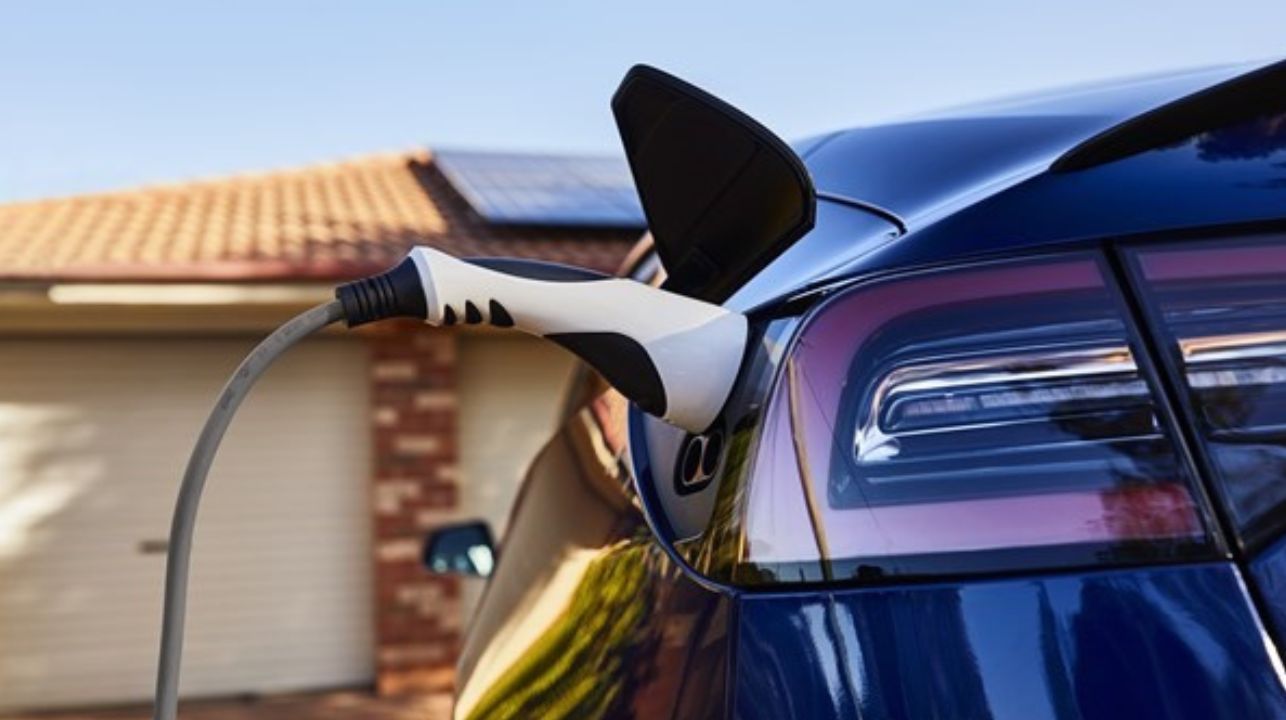
Faster charging from home
Install a dedicated electric vehicle charger at home to charge your vehicle 3–10 times faster* than a basic EV charging cable.
 Have another question or need some help? Email emobility@origin.com.au and our team will be in touch.
Important information
Origin 360 EV Charge T&Cs
Visit our terms and conditions page for details on the Origin 360 EV Charge Public Charging Customer Contract.
External Charge Point Operator T&Cs
In using the any Origin partner public charging networks, you agree to abide by all terms and conditions as specified by each charge point operator. Specific terms and conditions of each partner charging network available below.